
Color Match Quick Tap Puzzle
Reviews
Color Match Quick Tap Puzzle offers a simple yet addictive challenge that sharpens your mind. The three difficulty modes make it accessible to everyone, from casual players to those seeking a fast-paced test. Its browser-based play means no downloads, and the vibrant colors keep each round engaging. A perfect quick mental workout.
About this game
Game Introduction
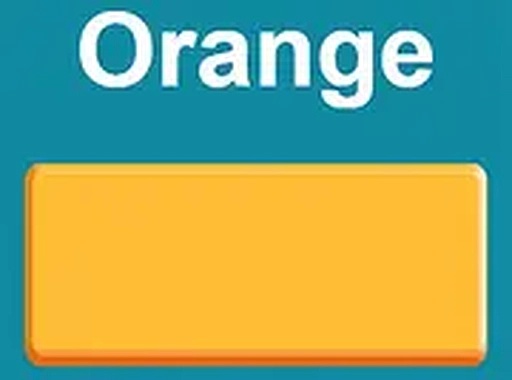
Color Match Quick Tap Puzzle is a time-based puzzle game that challenges your ability to quickly match a color name to its correct color. The twist is that the color name may appear in a different color, forcing you to focus on the word's meaning rather than its visual appearance. This simple yet challenging concept provides a great mental workout. The game offers three difficulty modes: Easy, Medium, and Hard, making it accessible to players of all ages and skill levels. It runs smoothly in your browser on both mobile and desktop devices, with no downloads required. The vibrant colors and increasing speed keep each session fresh and exciting. Best of all, it is completely free to play.
How to Play
Playing Color Match Quick Tap Puzzle is straightforward. When the game starts, a color name is displayed on the screen. Your task is to tap the matching color from the options provided. Remember, the color name might be shown in a different color, so you must focus on the word itself. Choose your difficulty level before starting: Easy for a relaxed pace, Medium for a balanced challenge, or Hard for a true test of speed and accuracy. Each correct tap earns you points, and the game speeds up as you progress. You can play in full screen mode for a more immersive experience. Use your mouse or finger to tap the correct color and try to achieve the highest score possible.
Game Features
Fast-paced color matching gameplay that sharpens your mind. Three difficulty modes to suit all players. No downloads required, works on any device with a browser. Free to play with no hidden costs. Simple controls that anyone can learn instantly.
Tips for Success
To improve your score, try to ignore the visual color of the text and read the word carefully. Practice regularly to increase your reaction time. Start with Easy mode to get comfortable with the mechanics before moving to higher difficulties. Stay focused and avoid distractions, as the game speeds up over time. Taking short breaks can help maintain concentration during longer sessions.









Comments
Sign in to leave a review
No account? Create one
No comments yet.